
Reliable technology for daily work
IT Hardware
Right-fit computers, upgrades, setup, and support that keep your team productive and your technology dependable.Get a QuoteChat on WhatsAppMake every device count
Hardware that fits the way you work
Choosing computers is not only about specifications. We help Jaunpur businesses, professionals, schools, and home users select practical devices, configure them correctly, and keep them running.From a laptop upgrade to a complete office setup, you get clear advice, careful installation, and support after the handover.Call +91-9335465330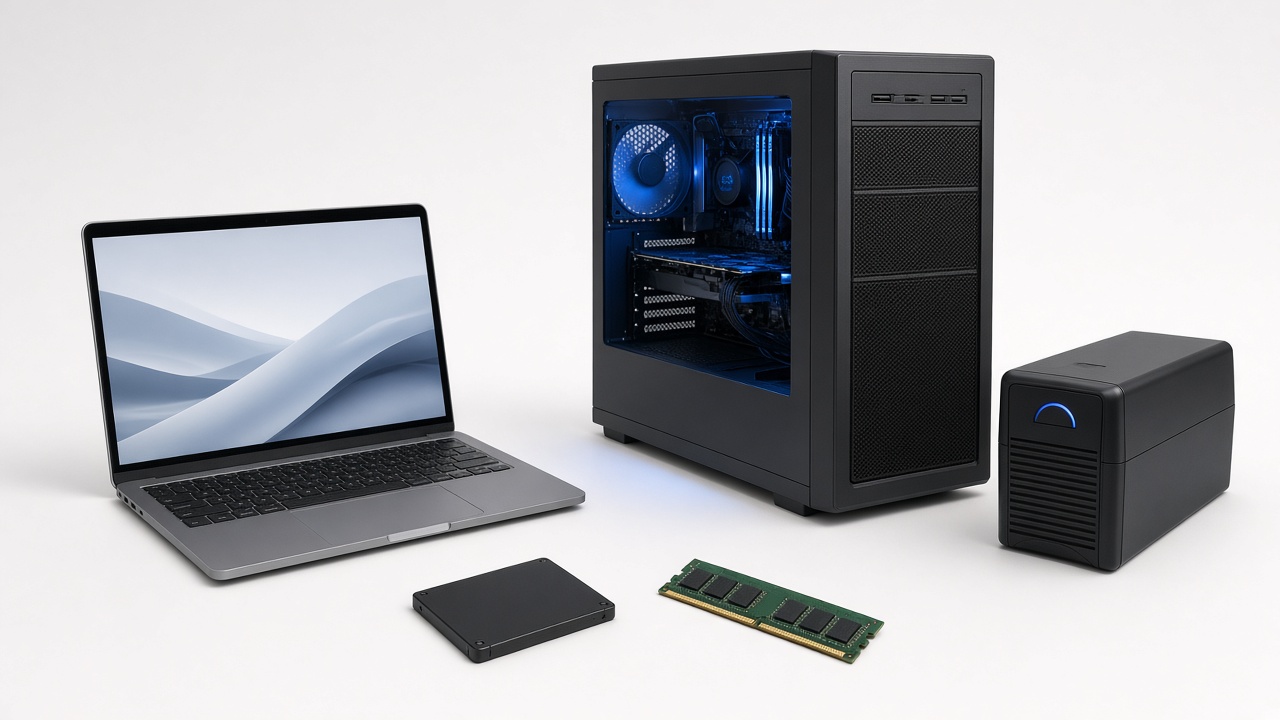
Practical support from one team
What we offer
Computer supply guidance
Recommendations for laptops, desktops, monitors, and accessories based on workload, budget, and future needs.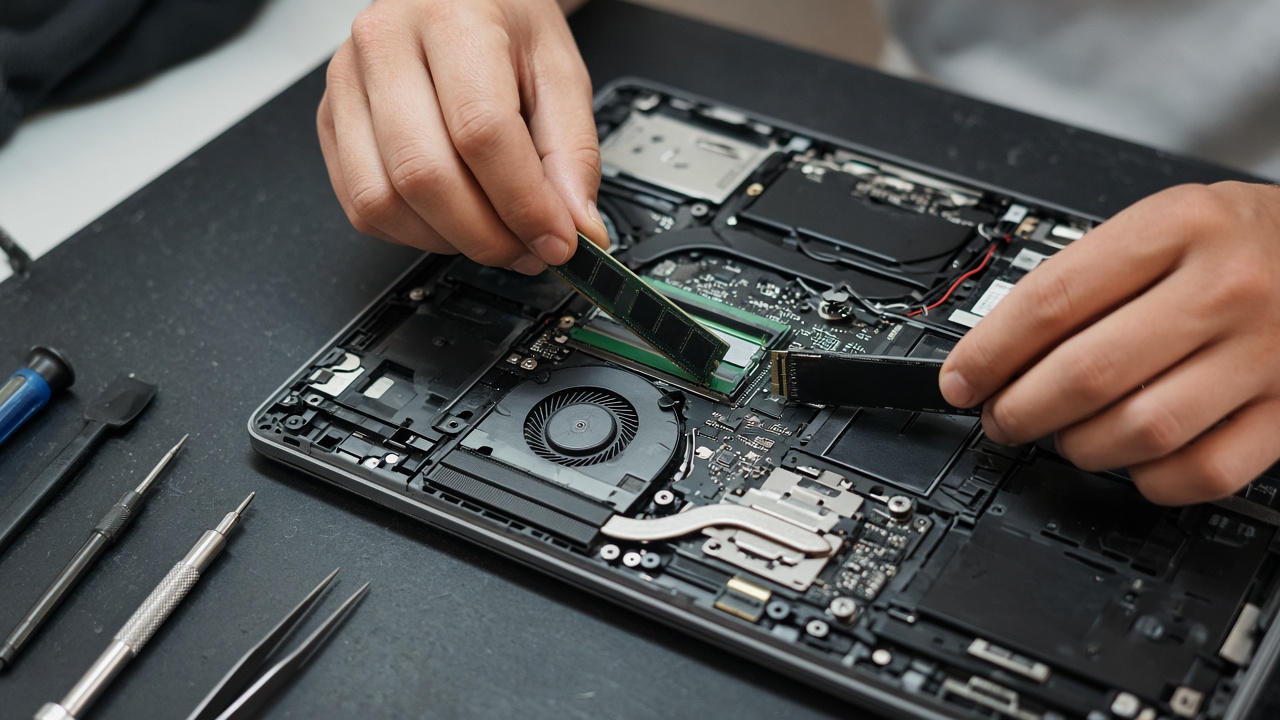
Upgrades and repairs
RAM, SSD, storage, component replacement, diagnosis, and repair support that extends useful device life.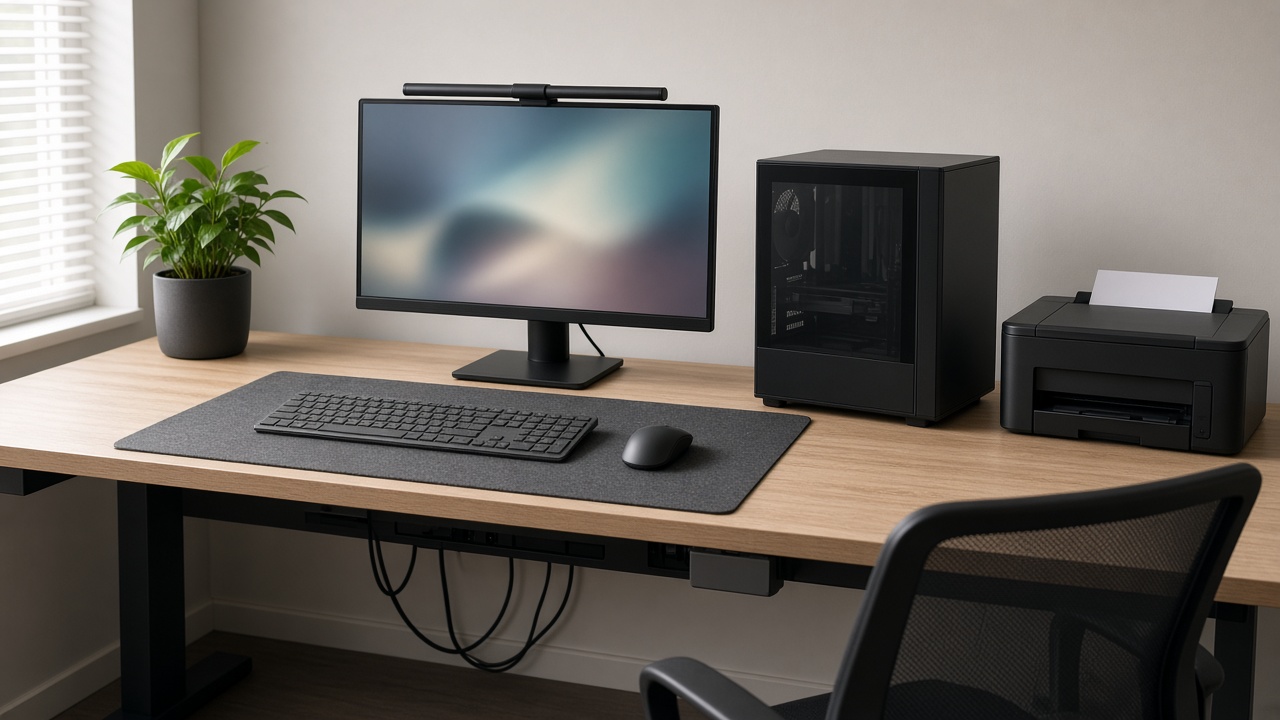
Office workstation setup
We prepare new systems, user profiles, printers, essential software, and tidy desk-side connectivity.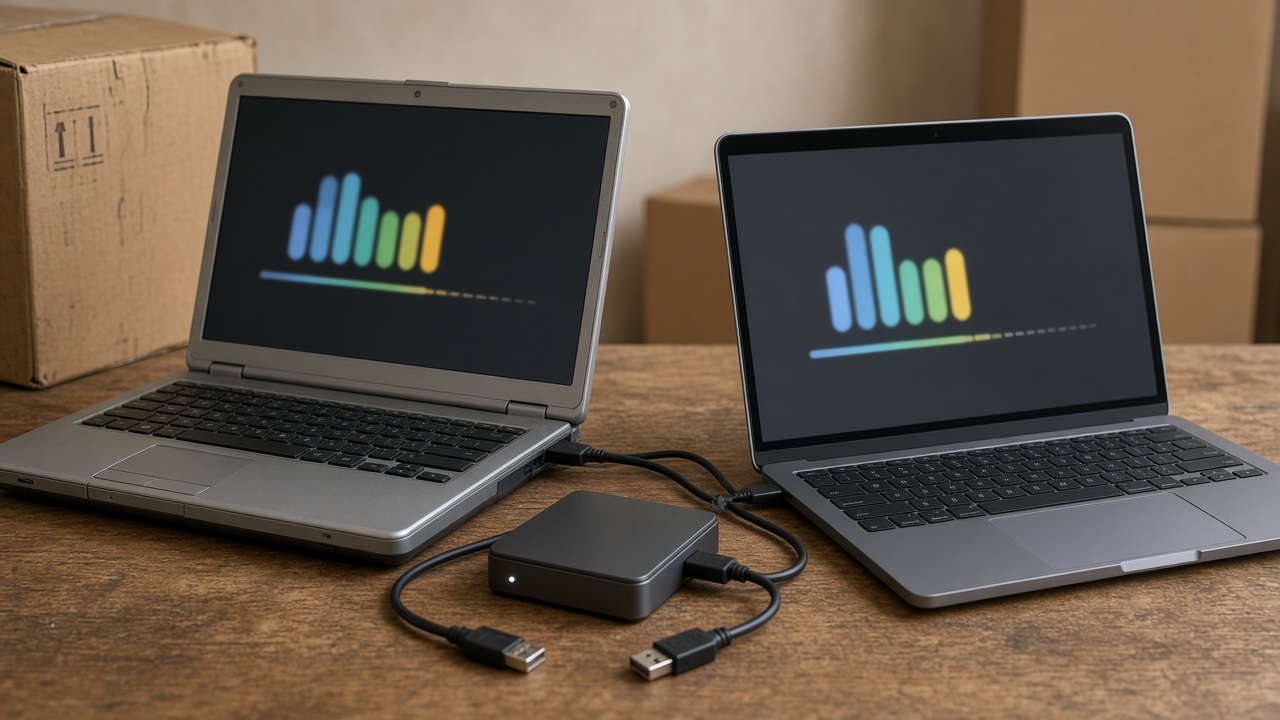
Data and device migration
Careful transfer of files, account setup, backups guidance, and handover support when replacing equipment.
Preventive care
Practical maintenance advice and checks that reduce downtime and keep business-critical devices ready.
On-call local support
Clear troubleshooting and responsive assistance for homes, shops, offices, schools, and growing teams.A clear path from need to setup
How we work
01 Understand
We learn your workload, users, budget, current equipment, and the problems you want solved.02 Recommend
We compare practical options and explain compatibility, value, and what to plan for next.03 Configure
We install, connect, update, secure, and test devices before they enter daily use.04 Support
We remain available for troubleshooting, upgrades, maintenance, and future additions.Built for real users
Who it’s for
Home users
Shops
Offices
Schools
Professionals
A dependable starting point
What’s included
- Needs-based laptop, desktop, and accessory guidance
- Installation, configuration, updates, and compatibility checks
- RAM, SSD, storage, and component upgrade planning
- Printer, network, and essential peripheral setup
- Data transfer and practical backup guidance
- Basic security, account, and user setup support
- Clear handover so your team can use the system confidently
- Ongoing troubleshooting and local support options